Last updated:
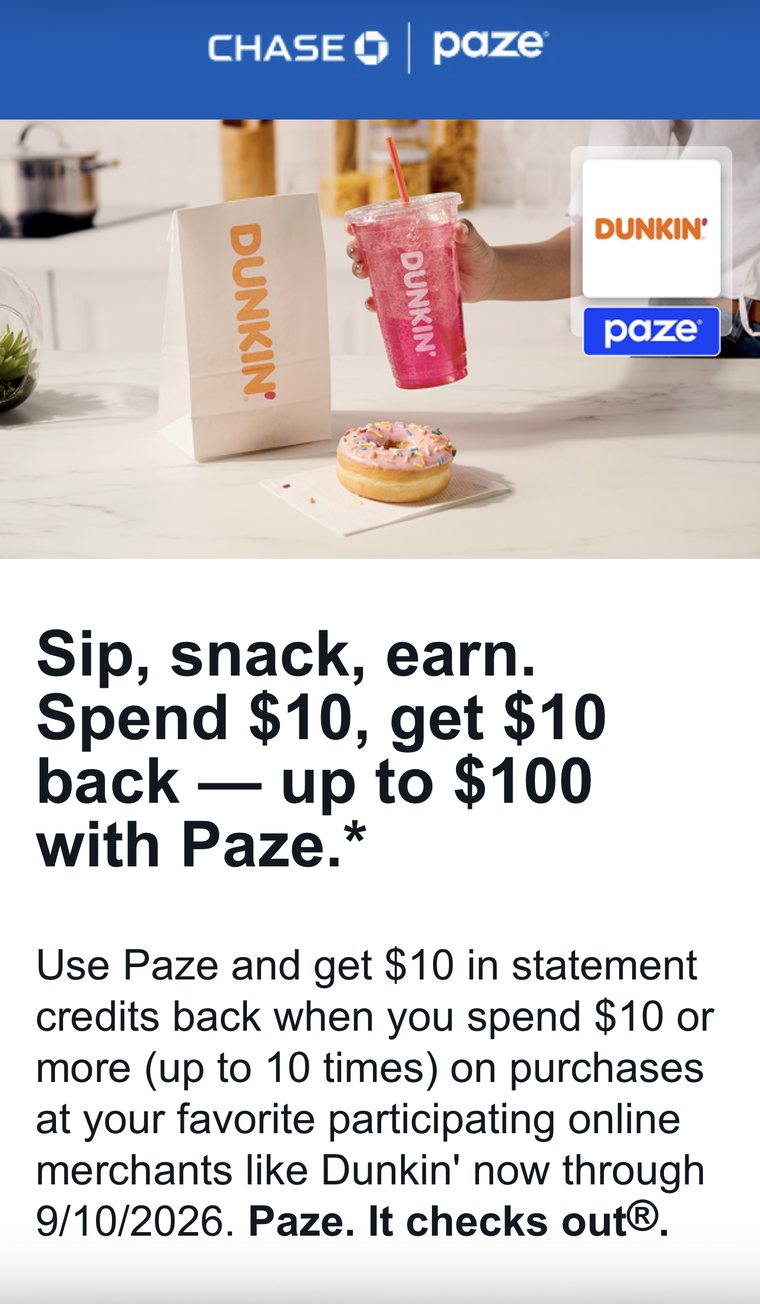
- The deal: check out with Paze, spend $10 or more in a single approved transaction at a participating online merchant, and get a $10 statement credit back.
- The cap: up to ten credits — $100 total — per eligible card in your Paze wallet. Two cards loaded means up to $200.
- The deadline: qualifying purchases run through September 10, 2026. Credits post within two billing cycles.
- No enrollment: there is no offer to register for and no fee. Activate Paze through your bank — Chase is a participating institution — and pick Paze at checkout.
- Our read: this is not a points play and it will not get you to Tokyo. It is $100 of real money per card for changing which button you click at checkout, and the only reason to skip it is if you never shop at the participating merchants.
Most of what we write about here takes work. Transfer ratios, award charts, minimum spend requirements, five-year rules. This one takes about ninety seconds, pays out in actual dollars, and there is no catch worth calling a catch.
Paze — the online checkout wallet built by the major U.S. banks, Chase included — is running a promotion through September 10, 2026: spend $10 or more using Paze at a participating merchant and you get $10 back as a statement credit. You can do that ten times. That is $100 per card, and as we will get to, "per card" is the phrase that changes the size of this thing entirely.
Here is exactly how it works, where you can spend it, and the fine print that decides whether the credit shows up on your statement.
What the Offer Actually Is
Straight from Paze's own offers page and terms: between June 15 and September 10, 2026, when you select Paze to check out at a participating online merchant and spend $10 or more in a single approved transaction, Paze — on behalf of your bank — applies a $10 statement credit to whichever eligible card you chose inside the Paze wallet.
Spend $10.49 on a coffee run and you get $10 back. Spend $180 on a monitor and you also get $10 back. The credit is flat, which means the strategy is not "spend more," it is "spend $10 ten separate times." A $10.02 transaction earns exactly the same credit as a $400 one, so ten small qualifying purchases beat one big one by a factor of ten.
There is no enrollment step. Paze is explicit about this in its FAQ: you do not sign up for the offer, you just activate your Paze wallet and shop. Both credit and debit cards issued by participating banks are eligible, which is unusual — almost nothing in this hobby pays out on a debit card.
Three dates and numbers do all the work here:
If you bank with Chase, the offer has been showing up in your inbox with a Dunkin' co-promotion attached — same terms, one of the participating merchants used as the example. Chase runs its own Paze page if you want to confirm eligibility on the issuer side before you activate.
The Line Worth Reading Twice
Almost every summary of this offer stops at "$100 back." That undersells it, because the cap is not per person. It is per eligible card in your Paze wallet.
Paze answers this directly in its FAQ: each card in your wallet is eligible to earn up to $100 back in statement credits, and it gives the two-card example explicitly — two eligible cards means up to $200 back. Three cards, $300. The ten-credit counter runs independently on each card.
So the entire optimization for this promotion is one decision: load more than one card, then rotate which card you select at Paze checkout. If you run all ten qualifying purchases through the same card, you leave the other cards' allotments untouched and cap yourself at $100 for no reason. If you already carry a couple of Chase cards — and if you are reading a points blog, you probably do — the ceiling on this offer is a few hundred dollars, not one.
Worth being clear about what this is and is not. It is not a welcome bonus, it does not touch your points balance, and it will not move you toward a business-class seat. If you want that kind of return you are looking at a different lever entirely — the one we cover in how credit card rewards actually work. This is a rebate on spending you were already doing, which is the most boring and most reliable category of value in the entire hobby.
The credit is flat, so a $10.02 order earns exactly what a $400 order earns. Ten small purchases across two cards beat one big purchase by a factor of twenty.
Where You Can Actually Spend It
This is the honest limitation. Paze is accepted at a growing but still short list of online merchants, and the promotion only pays out at participating ones. As of today, the merchants Paze features on its offers page are these:
| Merchant | What you'd buy | Why it works for $10 orders |
|---|---|---|
| Dunkin' | App and online orders | The easiest repeat trigger. A drink plus food clears $10 without effort. |
| Domino's | Online pizza ordering | Nearly every order clears the minimum on its own. |
| Fanatics | Team gear and apparel | Good for one or two larger orders, less good for repeat $10 hits. |
| Newegg | Electronics and components | Cables, drives and small accessories are the natural $10–$20 buy. |
| United | Flight purchases | The one with genuine travel relevance — see the terms note below. |
| PayRange | Vending, laundry, campus machines | Reloads are small; you'd need to hit $10 in a single transaction. |
| Xsolla | Game and in-app purchases | Most storefront purchases land in the $10–$60 range. |
Swipe the table sideways to see all three columns.
Paze maintains a fuller merchant directory, and it is worth checking before you assume a store is out. But be careful with a distinction that trips people up: a merchant accepting Paze and a merchant being eligible for this offer are two different things. Paze says so plainly — some merchants that accept Paze are excluded from the promotion, and purchases there earn no credit.
Practically, if you are realistic about your own habits, Dunkin' and Domino's are where most people will actually rack up ten separate $10 transactions. That is not a knock on the offer. It is just what it is: a fast-food-and-electronics rebate, not a travel-spend rebate.
The Fine Print That Decides Whether You Get Paid
Four things in the terms are worth your attention, and the first one is the only verification step that matters.
1. Look for the offer banner during checkout
Paze puts the confirmation right in front of you. When you select an eligible card during Paze checkout at an eligible merchant, the offer details appear next to that card. The terms are unambiguous about the inverse: if the offer details do not appear during Paze checkout, or if Paze does not appear as a payment method at all, the transaction is not eligible. That banner is your receipt. If you do not see it, back out and rethink before you pay.
2. The excluded categories are broader than you'd guess
Eligibility depends partly on how the payment network classifies the merchant, not on what the store sells. Excluded categories include gambling and betting, drug stores and pharmacies, financial services (crypto, money transfer, prepaid cards, loans), adult content, guns and ammunition, court and government fines, political fundraising, most medical services, spas, various specialty stores, wholesale durable goods, and travel-related services under the telemarketing and direct marketing category. Paze also notes merchant categories can change without notice.
3. Split payments only count the Paze portion
If you pay part of an order with Paze and part with something else, only the amount charged through Paze counts toward the $10 minimum. A $12 order split $6/$6 earns nothing.
4. The credits may be taxable
Paze states the value of the reward may constitute taxable income, and that it may be reported to tax authorities. This is standard language for a rebate that is not tied to spending on a specific card product, and it is why a statement credit like this behaves differently from ordinary cash back on purchases. It is $100, not $10,000, but it is in the terms and you should know it is there.
The One Line With Travel Relevance
Buried in the exclusion list is a parenthetical worth flagging for this audience. Travel-related services sit in the excluded telemarketing and direct marketing category — but the terms carve out an exception, "not including consumer initiated airline sales." United is on the participating merchant list.
Read together, that suggests a ticket you buy yourself on United's site through Paze may be treated differently from a booking made through a travel agency or an online travel service. We are reading terms here, not reporting a confirmed result, so treat this as something to verify rather than plan around: if you are buying a United ticket during the offer window anyway, select Paze, look for the offer banner next to your card, and see whether it appears. If it does, you have a $10 credit on a purchase you were making regardless. If it does not, you have lost nothing but a few seconds.
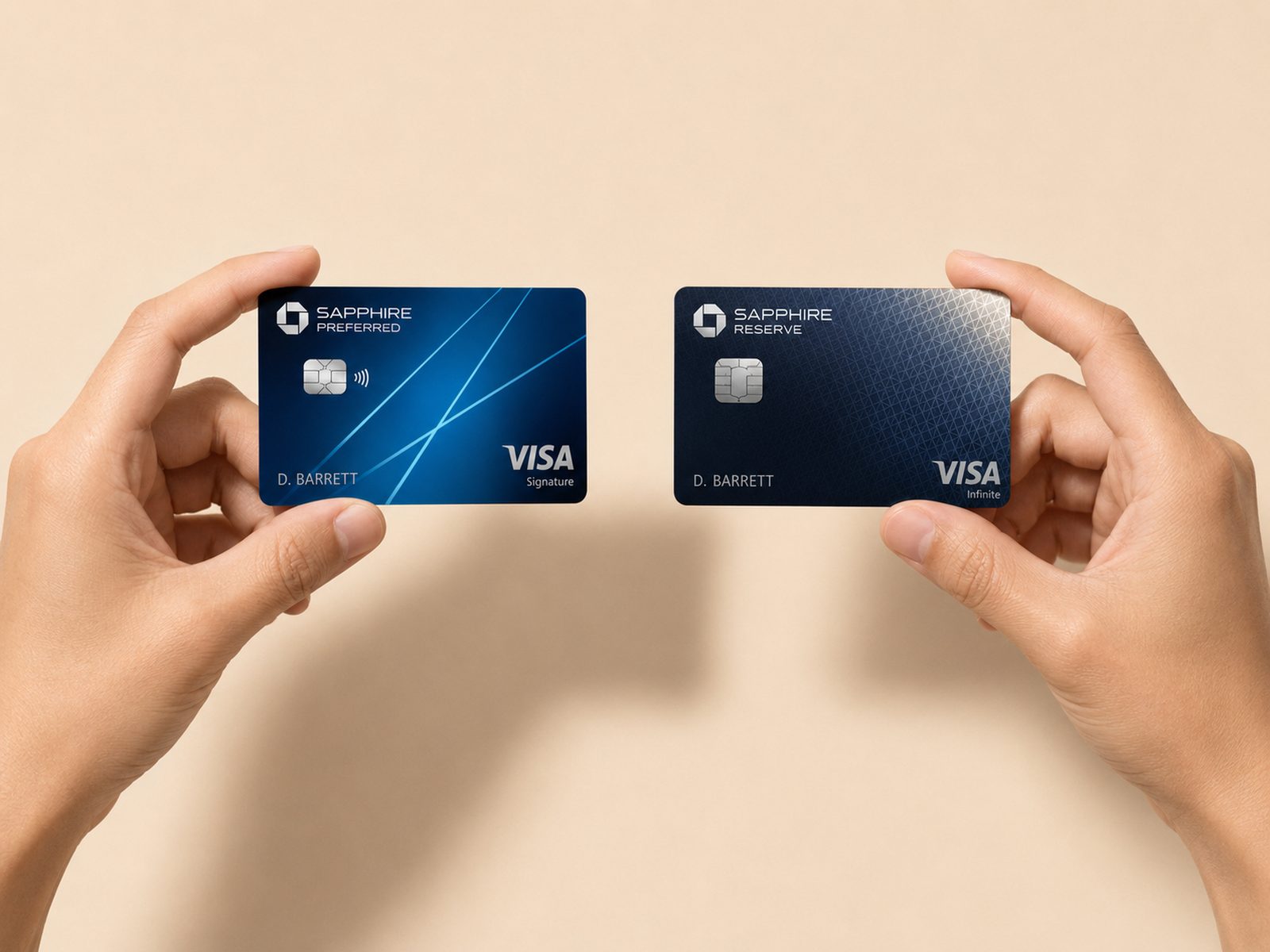
That is the right posture for this entire promotion, honestly. It rewards attention at checkout, not planning in advance. If you want the version of this that does reward planning, it is the earn-side strategy we walk through in Chase Ultimate Rewards for moderate spenders — and if you are deciding which Chase cards to keep in the wallet in the first place, the two-Sapphire question is the more consequential decision by an order of magnitude.
The Bottom Line
Strip out the branding and this is a rebate you unlock by clicking a different button at checkout. There is no annual fee, no credit pull, no minimum spend, no enrollment, and no points math. The worst outcome is that you activate Paze, never shop at a participating merchant, and earn nothing — which costs you the ninety seconds it took to activate.
So the action list is short. Activate Paze through your bank or credit union if you have not already — Chase, Bank of America, Capital One, Citi, PNC, Truist, U.S. Bank and Wells Fargo are all participating. Load more than one eligible card, because that single step is the difference between a $100 ceiling and a $200 or $300 one. Then, at every participating merchant between now and September 10, select Paze, confirm the offer banner appears next to your card, and rotate which card you pick.
Then set one reminder for roughly two billing cycles out and check that the credits actually posted. The most common way people lose money on offers like this is not failing to qualify. It is never looking at the statement to see whether the credit arrived.